Server Folder Links
Server Folder Links
The Spatial Cloud includes some ability to configure links to documents, images and videos in IntraMaps from files uploaded via SFTP:
Supported formats include:
- JPG
- GIF
- TIF
- PNG
- MP4
- WEBP
- WEBM
- DOC
- DOCX
Configuring Server Folder Links
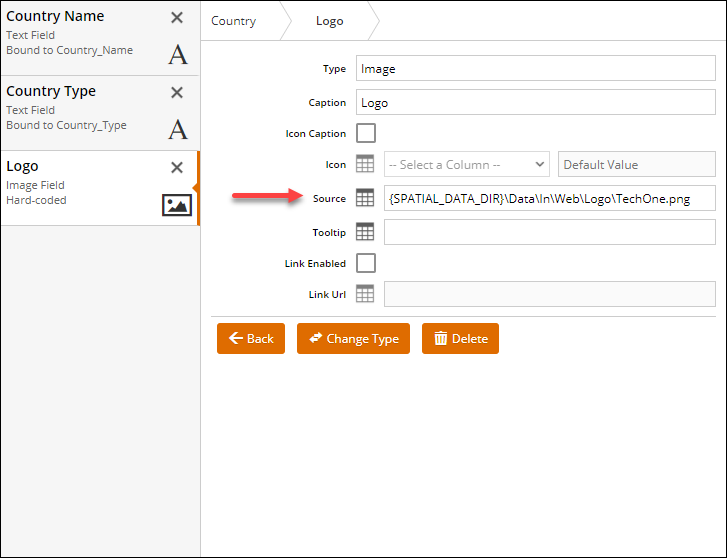
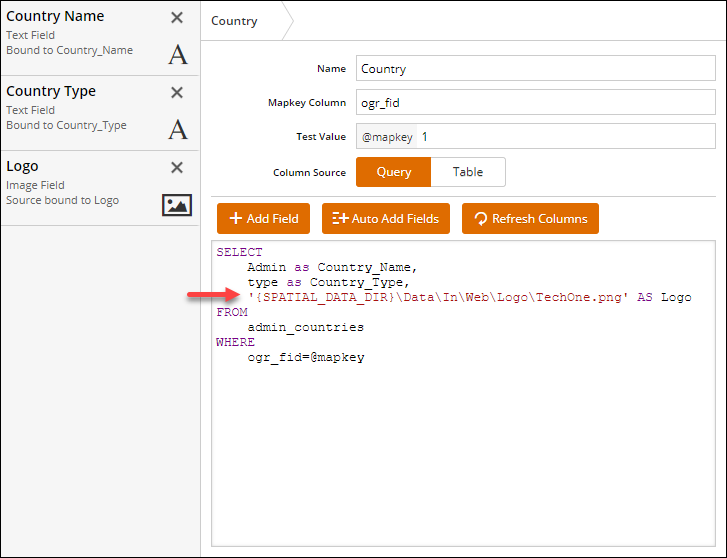
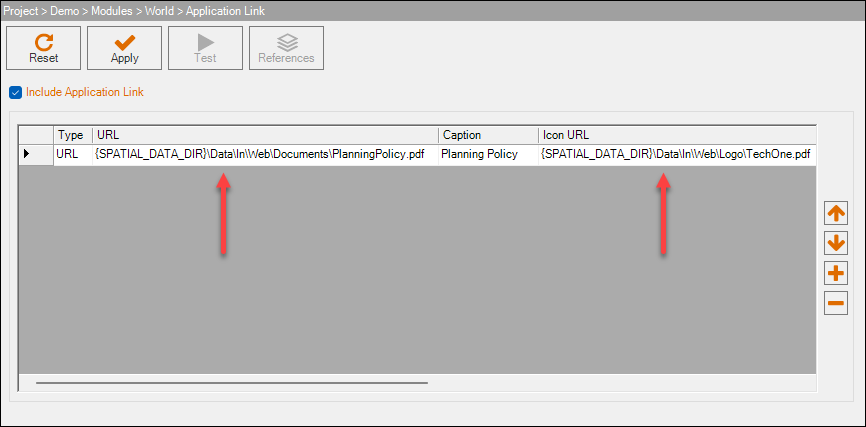
This is accomplished in IntraMaps by using a {SPATIAL_DATA_DIR} placeholder and the relative path to the image or file to be served.
For example a logo image loaded to Data/IN/Web/Overview/Logo.png would be referenced as {SPATIAL_DATA_DIR}\Data\In\Web\Overview\Logo.png
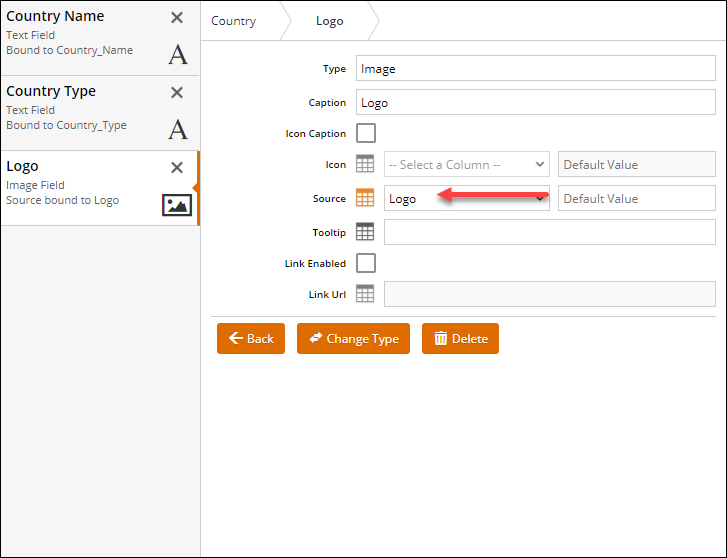
This can be used to explicitly build a link to a file, or could be used in a database table or query to dynamically build the link.
For some example use cases: